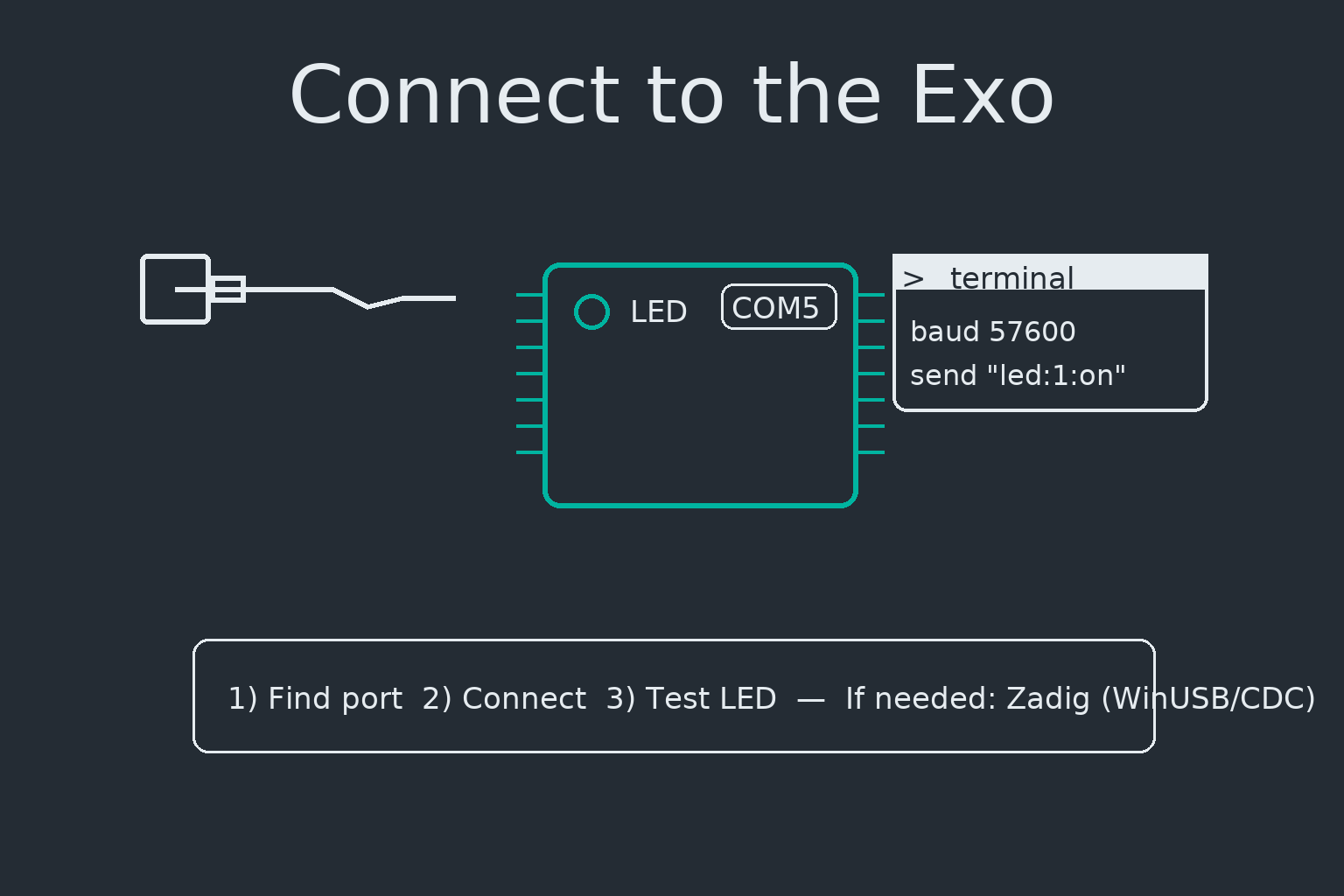
Direct device control using tools\hand_exo_cli.py. These examples send plain text tokens over serial.
Exact tokens may differ per firmware—try help or see your Doxygen docs for the authoritative list.
Tip: Chain multiple --send flags to run a short sequence, and use --read-for to capture responses.
Status & Info
# Print device info (uses --info-cmd, defaults to "sys:info")
python tools\hand_exo_cli.py --connect COM5 --info --read-for 2

# Ask firmware for version/help (if supported)
python tools\hand_exo_cli.py --connect COM5 --send "sys:ver" --read-for 1
python tools\hand_exo_cli.py --connect COM5 --send "help" --read-for 3
Homing & Motion
# Home all or a specific target (if supported, e.g., "thumb" / "index")
python tools\hand_exo_cli.py --connect COM5 --send "home all"   --read-for 3
python tools\hand_exo_cli.py --connect COM5 --send "home thumb" --read-for 3

# Demo gesture (example token)
python tools\hand_exo_cli.py --connect COM5 --send "gc:pinch:a" --read-for 2
Enable / Disable Actuators
# Common patterns (your firmware may vary):
#   mot:all:on / mot:all:off
#   motor:enable:all / motor:disable:all
python tools\hand_exo_cli.py --connect COM5 --send "mot:all:on"  --read-for 1
python tools\hand_exo_cli.py --connect COM5 --send "mot:all:off" --read-for 1
Get / Set Parameters
Many firmwares expose a get:PARAM / set:PARAM:VALUE convention.
Replace names/values with those documented by your firmware.
# Examples (adjust to your command set)
python tools\hand_exo_cli.py --connect COM5 --send "get:baud"           --read-for 1
python tools\hand_exo_cli.py --connect COM5 --send "set:baud:57600"     --read-for 1
python tools\hand_exo_cli.py --connect COM5 --send "get:lim:curr"       --read-for 1
python tools\hand_exo_cli.py --connect COM5 --send "set:lim:curr:0.8"   --read-for 1
python tools\hand_exo_cli.py --connect COM5 --send "get:lim:vel"        --read-for 1
python tools\hand_exo_cli.py --connect COM5 --send "set:lim:vel:0.5"    --read-for 1
Sensors & Calibration
# Read sensors (examples; adapt to your tokens)
python tools\hand_exo_cli.py --connect COM5 --send "read:force"  --read-for 1
python tools\hand_exo_cli.py --connect COM5 --send "read:emg"    --read-for 1

# Zero / tare (examples)
python tools\hand_exo_cli.py --connect COM5 --send "zero:force"  --read-for 1
python tools\hand_exo_cli.py --connect COM5 --send "cal:emg:base" --read-for 2
IO & Utilities
# LED control (already supported in your earlier docs)
python tools\hand_exo_cli.py --connect COM5 --send "led:1:on"  --read-for 1
python tools\hand_exo_cli.py --connect COM5 --send "led:1:off" --read-for 1

# Save & load config (if your firmware supports)
python tools\hand_exo_cli.py --connect COM5 --send "cfg:save"    --read-for 1
python tools\hand_exo_cli.py --connect COM5 --send "cfg:load:0"  --read-for 1
Recipe — Safety-limited demo
python tools\hand_exo_cli.py --connect COM5 `
  --send "mot:all:on" `
  --send "set:lim:curr:0.6" `
  --send "home all" `
  --send "gc:pinch:a" `
  --send "mot:all:off" `
  --read-for 2
Safety: keep current/velocity limits conservative for first runs. Use an E-stop and clear workspace.